“Two separate vehicles drive through the gate one after the other before it closes. A car with a trailer counts as one vehicle.”Use this Event →
AI tailgating detection with your existing cameras
Know when two cars get in on one opening.
Describe what tailgating looks like at your gate or door. Your cameras watch for it and give staff what they need to check the access log.
- Works alongside your access control
- Works with your existing cameras
- Faces blurred by default
RECEntry gate
How it tells tailgating from a car with a trailer.
Access control counts codes, not vehicles. Your Agent watches the gateway, so you can tell it that a car with a trailer is one vehicle and two cars on one opening are not.
Describe tailgating
“Two separate vehicles drive in before the gate closes.” Say what counts as one vehicle at your site.
The Agent watches
Your Station sends short sequences of frames to your AI model, which checks them against your description.
Sample often enough
Cars pass a gate in seconds. Choose one frame per second or more, so both vehicles appear in one observation.
Staff check the log
The duty manager gets the gate, the time and what was seen, and compares it with the codes used.
Ready-made tailgating Events.
Open one in your workspace, choose the cameras and save. Change the words to fit your space.
“A second car follows the first under the barrier before it comes down.”Use this Event →
“A second person walks through the pedestrian gate close behind someone else before it closes.”Use this Event →
“Two people go through the access door on one opening, one close behind the other.”Use this Event →
“A second car drives into the garage behind the first before the door closes.”Use this Event →
“Two people pass through the turnstile together on one turn.”Use this Event →
Set it up for tailgating.
Gates are fast. A clear view and frequent sampling make the difference.
Alert at once
Leave “Notify when” on “Once detected”. Tailgating is over in seconds.
Sample once a second or more
In observation settings, choose one frame per second or more, so both vehicles appear in the same observation.
Show the gate and the gateway
Point the camera along the lane so the gate and the space just inside it are both in view.
Define one vehicle
Write what counts as one: “A car or van with a trailer counts as one vehicle.”
Check against the log
Compare each alert with the access codes used at that time before you contact anyone.
Test it with two cars
Drive two cars through on one opening, then a car with a trailer, and read both Messages.
How it compares with access control.
Your access system decides who may enter. The Agent shows what actually came through.
Access control logs
Record each code or card, but not how many vehicles passed on it.
Loop detectors and beams
Count passes in the lane, but cannot tell a trailer from a second car, and need fitting in the ground or the gate.
Ordinary CCTV
Records tailgating for someone to find after a complaint. An Agent watches live and tells the duty manager while the vehicle is still on site.
Watch the gate, respect people’s privacy.
Gate cameras see every tenant, visitor and passer-by.
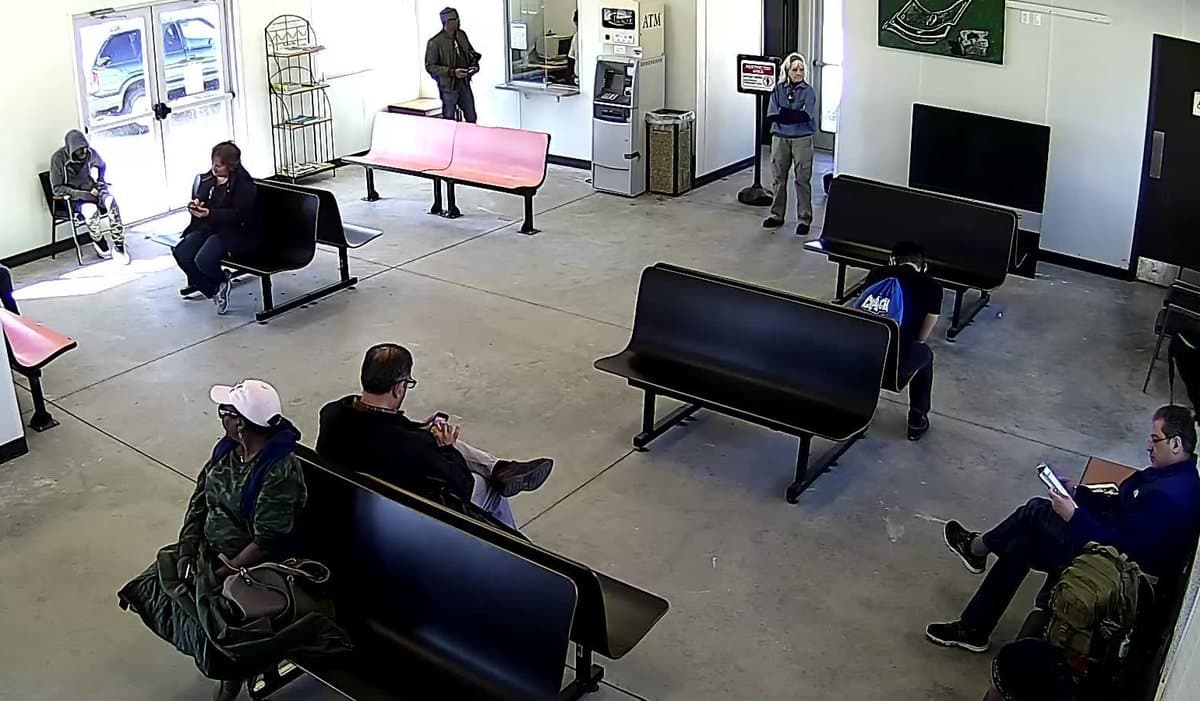
- Faces are pixelated by default. You can turn it off per camera where you have a lawful reason to identify people.
- There is no number-plate or face recognition.
- Frames go directly from your Station to your AI provider, never through our servers.
- Put up the camera signs and notices your local law requires.
Before you rely on it.
Camera tailgating detection is an extra pair of eyes. Plan around what it cannot do.
It is not access control
It does not lock gates, block entry or know who has a code. Keep your access system in place.
It cannot read number plates
It describes what it sees. To identify a vehicle, compare the time with your access log or recorder.
Fast passes can be missed
With sparse sampling, two quick cars can look like one. Sample once a second or more and test it.
Check before you act
An alert is an AI assessment, not proof. Check the log and the camera before you contact anyone.
It needs power and internet
The camera, Station and network must stay on. Monitoring-interruption Messages tell you when a camera stops working.
It only sees what the camera sees
A gate hidden by a vehicle, glare or darkness cannot be judged. Check your views at night.
Where tailgating detection helps.
Questions & answers
How is this different from access control?↓
Access control records who opened the gate. The Agent watches how many vehicles or people came through on that opening, and tells you when it was more than one.
Will a car with a trailer count as two?↓
Not if you say so. Write “a car with a trailer counts as one vehicle” in the Event, and test it with a trailer at your gate.
Can it read number plates?↓
No. It describes visible activity. Compare the alert time with your access log or recorder to find the vehicle.
Will it alert at busy times?↓
It alerts when two separate vehicles pass on one opening, whenever that happens. If the gate stays open on purpose at busy times, schedule the Event for the hours it should close after each car.
Does it work for people as well as cars?↓
Yes. Describe people following each other through a door, pedestrian gate or turnstile. Sample often: people pass quickly.
Does it work at night?↓
Yes, if the camera can see the gate in the dark, for example with infrared night vision or a light. Check a night-time view before you rely on it.
Which cameras can I use?↓
Most network cameras you already have. Find your brand and model in our supported-camera guides, connect it to your Station and attach the Event.
What does it cost?↓
$9 per camera per month, with no base fee. AI usage is billed separately by the AI provider you choose.
See what came through on every opening.
Create a tailgating Event →$9 per camera per month. Bring your own AI provider key.