“A building door is propped open with a trolley or object and nobody is carrying anything through it.”Use this Event →
AI open door detection with your existing cameras
Know when a door stays open too long.
Open is fine while people use it. Describe when it becomes a problem, and your cameras tell you only then.
- Waits for the time you set
- Works with your existing cameras
- No door sensors to fit
RECBuilding B
How it tells a door in use from a door left open.
A contact sensor only knows open or closed. Your Agent sees whether anyone is using the doorway, so it waits through loading and alerts once the door is simply left.
Describe the condition
“The door is propped open and nobody is carrying anything through it.” Name the door if the camera sees several.
The Agent watches
Your Station sends short sequences of frames to your AI model, which checks them against your description.
It waits for your time
With “Only if it continues…” set to 5 minutes, a busy unload stays quiet and a forgotten door does not.
Someone closes it
The people you choose get the door, the time and what was seen, by Push, Email or in Messages.
Ready-made door and gate Events.
Open one in your workspace, choose the cameras and save. Change the words to fit your space.
“The gate is open, even partly, and no vehicle is in the gateway.”Use this Event →
“The garage door is open and nobody is in the garage or on the driveway.”Use this Event →
“The cold room or freezer door is open and nobody is loading or unloading.”Use this Event →
“A loading dock door is open with no truck at the dock.”Use this Event →
“The fire exit door is held open with a wedge or another object.”Use this Event →
Set it up for doors and gates.
The right wait and a clear view keep alerts to the doors that really need closing.
Match the wait to the job
Use 2 minutes for a gate, 5 for a building door after unloading, and 30 seconds or less for a fire door.
Say what normal looks like
Add “and nobody is carrying anything through it” or “and no vehicle is in the gateway”, so normal use never counts.
Show the whole doorway
Point the camera so the door, its frame and the space in front are in view. A door seen edge-on is hard to judge.
Schedule by risk
Watch gates outside access hours, and cold room and fire doors around the clock.
See how long it stayed open
Each Incident ends when the door is seen closed again, so its history shows how long it was open.
Test it safely
Prop the door open for longer than the wait you set, then read the Message and adjust the wording.
How it compares with door sensors.
Sensors are reliable for open and closed. A camera adds why the door is open.
Door contacts
Tell you a door is open, but not whether someone is unloading through it. Every move-in becomes an alert, or the alert gets switched off.
Access control logs
Record who opened the door with a code or card. They cannot see a trolley holding it open afterwards.
Ordinary CCTV
Records the open door for someone to notice later. An Agent watches live and tells you while it is still open.
Watch the door, not the people.
Cameras at entrances also see tenants, staff and visitors.
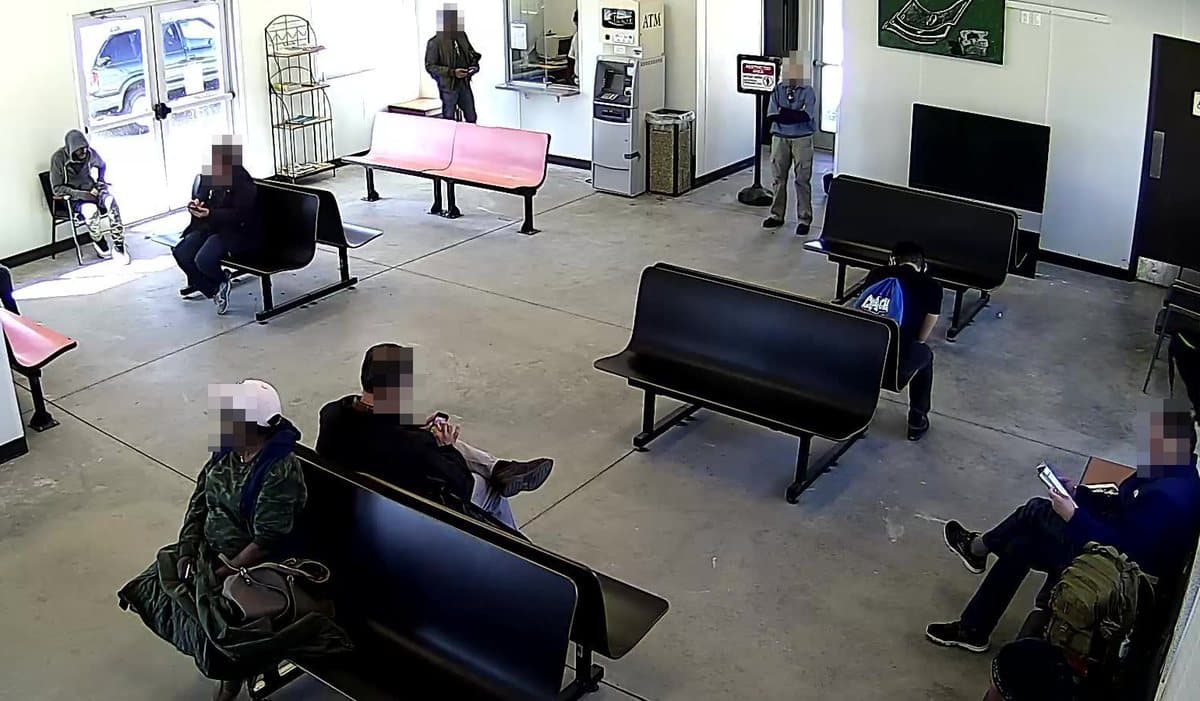
- Your Station pixelates faces before a frame reaches the AI or an incident snapshot.
- Hidden areas black out windows, neighbouring units or anything that must never be seen.
- Frames go directly from your Station to your AI provider, never through our servers.
- Put up the camera signs and notices your local law requires.
Before you rely on it.
Camera door detection is an extra pair of eyes. Plan around what it cannot do.
It is not a fire safety system
It does not replace door hold-open devices, fire alarms or the checks your fire safety rules require.
It needs to see the door
A door hidden by a vehicle, stacked boxes or darkness cannot be judged. Check your views at night.
Alerts come after your wait
You hear about it once the time you set has passed, plus the time the AI needs to check the frames.
It needs power and internet
The camera, Station and network must stay on. Monitoring-interruption Messages tell you when a camera stops working.
AI can be wrong
It can mistake a closed door for an open one in poor light, or miss a wedge. Test it in your space and adjust the wording.
Check before you act
An alert is an AI assessment, not proof. Look at the camera or snapshot before you send someone out.
Where open door detection helps.
Questions & answers
Why not just use a door sensor?↓
A sensor knows open or closed. It cannot tell an unload in progress from a door left propped, so it either alerts during every move-in or gets switched off. The Agent waits until nobody is using the door.
How long should it wait?↓
Long enough for normal use to finish: about 2 minutes for a gate and 5 minutes for a building door after unloading. Set it under Advanced as the required duration.
Can it tell when a door is only partly open?↓
Usually, if the camera sees the door and its frame clearly. Write “even partly open” in the description, and test it at the angles you care about.
Does it work at night?↓
Yes, if the camera can see the door in the dark, for example with infrared night vision or a light. Check a night-time view before you rely on it.
Can one camera watch several doors?↓
Yes. Name each door in the description, for example “the left door of building B”, or add context to the camera that says where each door is.
Can it close the door for us?↓
No. It tells the people you choose. Zapier or a webhook can pass the alert on to team chat or another system.
Which cameras can I use?↓
Most network cameras you already have. Find your brand and model in our supported-camera guides, connect it to your Station and attach the Event.
What does it cost?↓
$9 per camera per month, with no base fee. AI usage is billed separately by the AI provider you choose.
Know which door needs closing, and when.
Create a door Event →$9 per camera per month. Bring your own AI provider key.