“Someone forces the back door or a window open.”Schedule: after closingUse this Event →
AI break-in and theft detection with your existing cameras
Hear about break-ins, not every passing cat.
Describe what counts as suspicious in your space. Your cameras watch for it after hours and tell you what they saw, where and when.
- Alerts for what you describe, not every motion
- Works with your existing cameras
- Schedules for after hours
RECGarage
How it tells a break-in from a visitor.
Motion alerts react to anything that moves. Your Agent compares what it sees with what you described, so the courier at noon stays quiet and the person at the back door at 2 am does not.
Describe what is suspicious
Name the action and the place: “Someone climbs over the back fence” or “A person carries tools out of the shed.”
The Agent watches
Your Station sends short sequences of frames to your AI model, which checks them against your description.
Only when it matters
Schedule the Event for after closing, at night or while you are away, so daytime visitors do not trigger it.
You decide what to do
Get the camera, the time and what it saw in Messages, Push or Email, then check the camera before you act.
Ready-made break-in and theft Events.
Open one in your workspace, choose the cameras and save. Change the words to fit your space.
“A person climbs over the fence or gate into the yard.”Use this Event →
“Someone carries boxes out through the stockroom exit.”Schedule: after hoursUse this Event →
“Someone breaks a car window or tries the door handles of a parked car.”Use this Event →
“A person loads tools or materials from the site into a vehicle.”Schedule: at nightUse this Event →
“Someone picks up a parcel from the doorstep and walks away with it.”Use this Event →
Set it up for break-ins and theft.
Clear wording and the right hours keep alerts rare and worth reading.
Alert at once
Leave “Notify when” on “Once detected”. A break-in can be over in minutes, so don’t wait for it to continue.
Schedule after hours
Watch from closing time to opening time, or while you are away. A schedule avoids most daytime false alerts.
Describe the action, not the person
Write “Someone forces the door open”, not “a suspicious person”. The AI cannot know who is allowed to be there.
Cover the way in
Point cameras at doors, gates, fences and windows, with enough light or night vision. An intruder is easier to see at the entrance.
Reach whoever can respond
Turn on Push on each phone that should hear about it, add Email, or use Zapier or a webhook for a security company or team chat.
Keep the evidence
Snapshots stay on your Station for seven days. Save the ones you need, and keep your recorder running for full footage.
How it compares with alarms and motion alerts.
Use it alongside what you have. Many sites combine an alarm with cameras.
Intruder alarms
Notice a door or window opening while the alarm is set, and can be monitored around the clock. An Agent adds what happened and where, in words.
Motion alerts on cameras
Go off for every car, cat and shadow, so people stop reading them. An Agent alerts only for what you described.
Recorded CCTV
Shows what happened once you notice something is missing. An Agent watches the same cameras live and tells you while there is time to act.
Watch your property, respect people’s privacy.
Cameras that watch for theft also see staff, neighbours and passers-by.
- Hidden areas black out a neighbour’s garden, the street or a window.
- Faces are pixelated by default. You can turn it off per camera where you have a lawful reason to identify people.
- Frames go directly from your Station to your AI provider, never through our servers.
- Put up the camera signs and notices your local law requires.
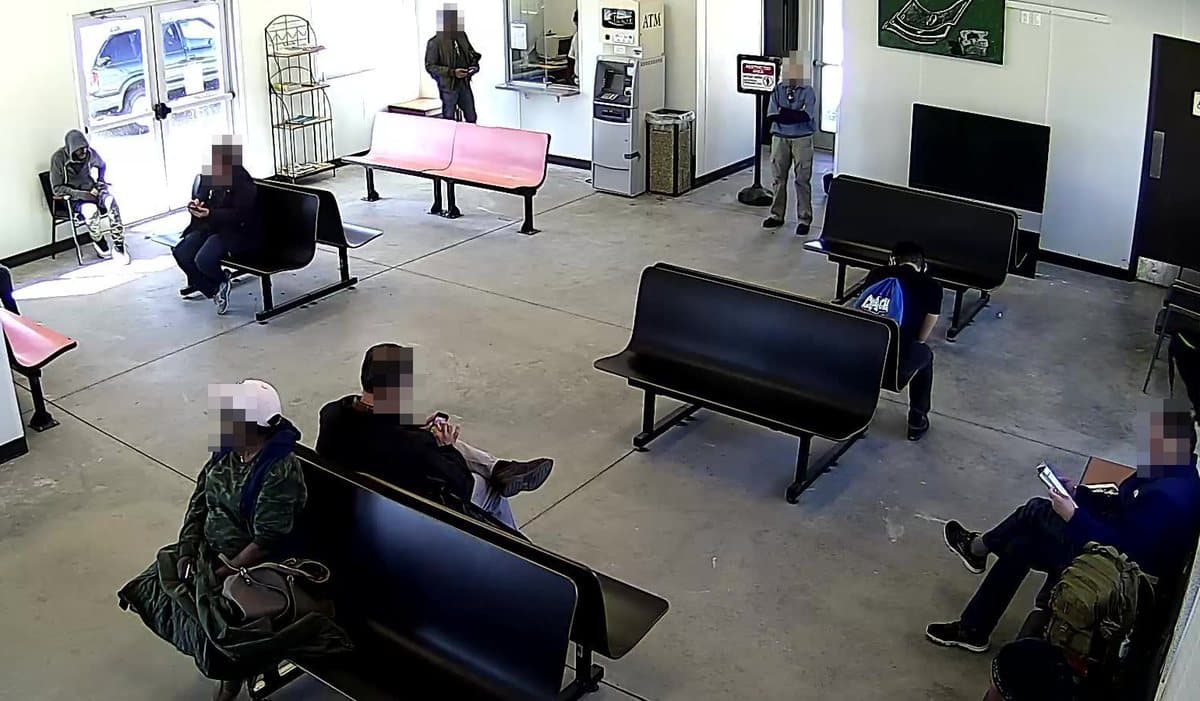
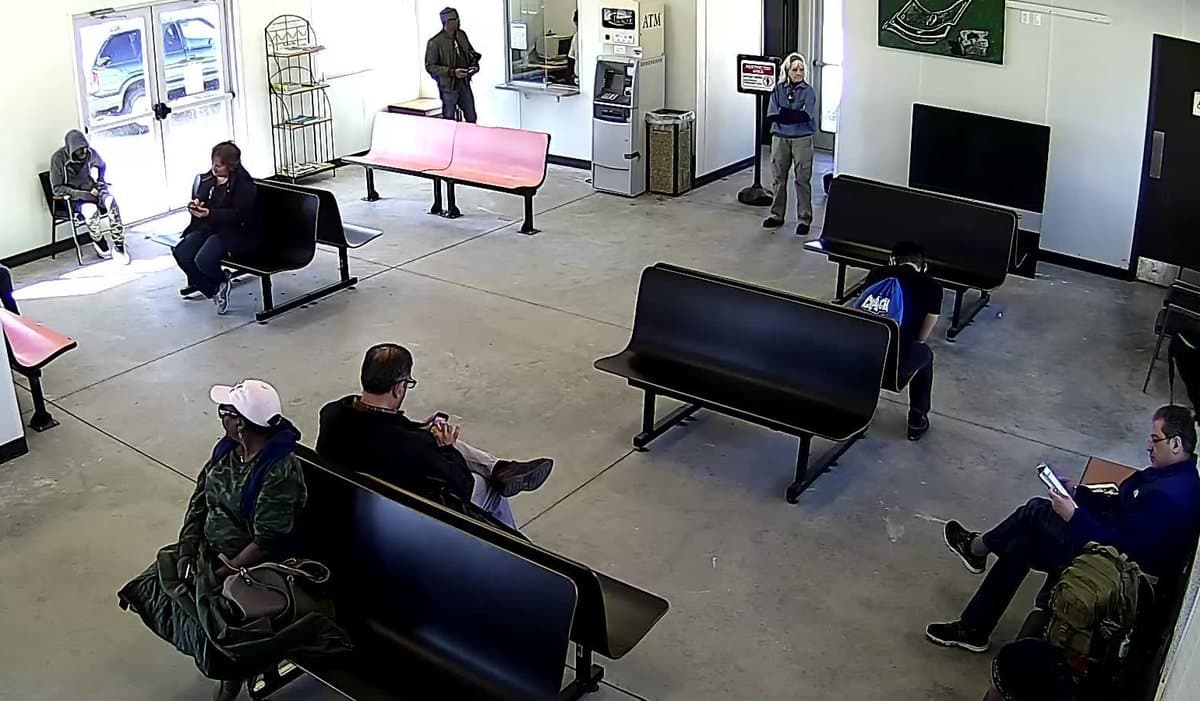
Before you rely on it.
Camera theft detection is an extra pair of eyes. Plan around what it cannot do.
It is not a certified alarm
It does not call the police or a monitoring centre, and your insurer may require a certified intruder alarm. Keep yours in place.
Check before you act
An alert is an AI assessment, not proof. Look at the camera or snapshot before you call the police or confront anyone.
It cannot know who is allowed
A cleaner with a key and a burglar can look alike on camera. Schedules and clear wording help; your judgement decides.
Alerts are not instant
The AI needs time to check the frames. A fast break-in can be over before anyone arrives.
It needs power and internet
A cut cable or power failure stops monitoring. Monitoring-interruption Messages tell you when a camera stops working.
It only sees what the camera sees
Dark corners, blind spots and covered cameras go unnoticed. Check your views at night.
Where break-in and theft detection helps.
Questions & answers
Will I get an alert every time someone walks past?↓
No. You describe the situation, such as someone forcing a door or climbing a fence, and choose the hours. People and cars that don’t match the description don’t trigger an alert, although the AI can still make mistakes.
Can it tell a burglar from an employee or a family member?↓
Not by who they are: there is no face recognition. Describe actions only an intruder would take, and schedule the Event for hours when nobody should be there.
Can it identify the thief?↓
No. Faces are blurred by default and there is no face recognition. Where you have a lawful reason, you can turn blurring off per camera so snapshots show faces. Keep your own recorder running for footage you can give the police.
Does it call the police or a security company?↓
No. It alerts you in Messages, by Push and by Email. Zapier or a webhook can forward Incidents to a security company or team chat that accepts them.
Does it work at night?↓
Yes, if the camera can see the entrance in the dark, for example with infrared night vision or a light. Check a night-time view before you rely on it.
Can it watch for shoplifting?↓
It can notice visible actions, such as an item going into a bag instead of a basket. Treat every alert as a prompt to look, never as proof, and follow your store’s policy before approaching anyone.
Which cameras can I use?↓
Most network cameras you already have. Find your brand and model in our supported-camera guides, connect it to your Station and attach the Event.
What does it cost?↓
$9 per camera per month, with no base fee. AI usage is billed separately by the AI provider you choose.
Hear about a break-in while there’s time to act.
Create a break-in Event →$9 per camera per month. Bring your own AI provider key.